Rap Generator For School
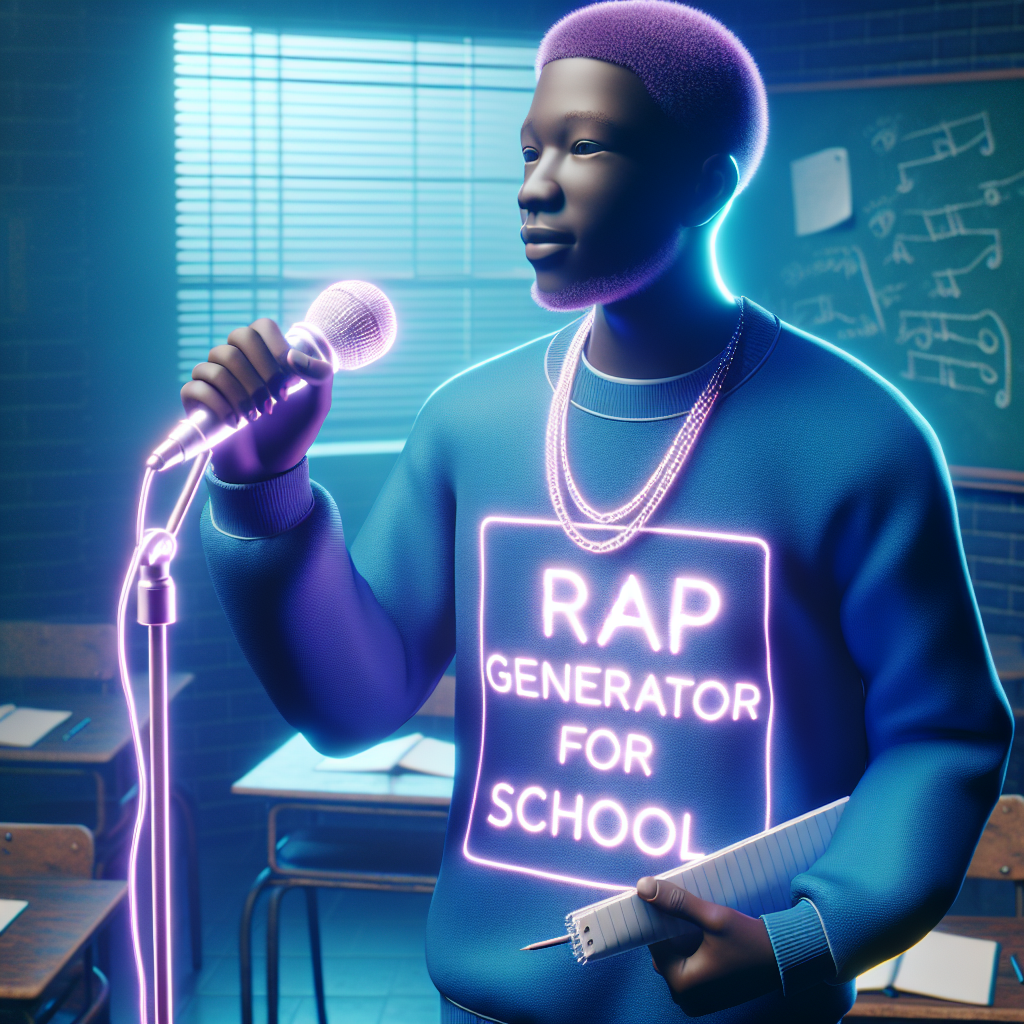
Rap Generator For School
Introduction
Incorporating music into education can significantly boost student engagement and creativity. One innovative way to do this is by using a rap generator for school. These tools leverage artificial intelligence to help students create rap lyrics, making learning more interactive and fun. Whether it's for a language arts lesson, a history project, or a creative writing exercise, rap generators can transform the classroom experience.This article will explore the benefits of using a rap generator for school, how to use it effectively, and provide practical tips for integrating it into various subjects. We’ll also cover related tools and topics such as how to use AI rap generator from text, how to write a rap song in 30 seconds, and more. By the end of this guide, you’ll have a comprehensive understanding of how to leverage this technology to enhance student learning.
Understanding Rap Generator For School
A rap generator for school is a digital tool that uses AI to create rap lyrics based on user input. It’s designed to be user-friendly, making it accessible for students of all ages. Here’s why it’s valuable in an educational setting:- Boosts Creativity: Encourages students to think outside the box and express their ideas through music.
- Enhances Language Skills: Helps improve vocabulary, grammar, and overall language proficiency as students craft and refine their lyrics.
- Engages Students: Makes learning fun and interactive, increasing student participation and interest in the subject matter.
- Facilitates Collaboration: Promotes teamwork and communication skills as students work together on rap projects.
How to Use AI Rap Generator From Text
Using an AI rap generator from text is straightforward. Here’s a step-by-step guide to get started:- Choose a Theme: Decide on a theme or topic for your rap. This could be related to a lesson, a historical event, or even a book the class is reading.
- Input Keywords: Enter relevant keywords or phrases into the AI generator. These will guide the AI in creating lyrics that fit your theme.
- Generate Lyrics: Click the generate button and let the AI produce a set of lyrics. This usually takes just a few seconds.
- Review and Edit: Review the generated lyrics with your students. Discuss any changes or additions they’d like to make to personalize the rap.
- Practice and Perform: Once the lyrics are finalized, practice rapping them together as a class and prepare for a performance.
How to Write a Rap Song in 30 Seconds
Writing a rap song in 30 seconds may seem impossible, but with the right approach and tools, it can be done. Here’s how:- Quick Brainstorm: Spend the first few seconds brainstorming key ideas or phrases related to your theme.
- Generate a Hook: Use an AI generator to quickly come up with a catchy hook that captures the essence of your theme.
- Write Short Verses: Focus on creating short, impactful verses. Use powerful words and phrases to convey your message quickly.
- Refine and Finalize: Spend the last few seconds refining your lyrics to ensure they flow well and fit the beat.
Impact of AI on Rap Music Creation
The integration of AI in music creation has transformed how artists and students approach songwriting. Here’s the impact AI has had on rap music creation:- Accessibility: AI tools democratize music production, making it accessible to anyone with an internet connection.
- Speed and Efficiency: AI can generate lyrics and beats in minutes, significantly speeding up the creative process.
- Endless Inspiration: AI provides a constant source of new ideas, helping artists and students overcome creative blocks.
- Personalization: AI can generate lyrics tailored to an individual’s style and preferences, making the creative process more personalized.
- Collaboration: AI tools facilitate collaboration by allowing users to easily share and build upon each other’s work.
Using the Drake AI Song Generator Free
The Drake AI Song Generator Free is a fantastic tool for creating rap lyrics in the style of Drake. Here’s how to use it effectively in a school setting:- Input Your Theme: Enter the theme or subject of your rap into the generator. This could be related to a lesson or a creative project.
- Customize Lyrics: Adjust the mood, tone, and style settings to match Drake’s signature flow, or adapt it to suit your class’s preferences.
- Generate and Review: Generate the lyrics and review them with your students. Discuss any changes they’d like to make.
- Incorporate and Perform: Use the generated lyrics in your project and prepare for a class performance or presentation.
Rap Generator Freestyle
Freestyling is an essential skill in rap, and a rap generator freestyle tool can help students develop this talent. Here’s how to make the most of it:- Practice Regularly: Use the freestyle generator to practice daily. The more students practice, the more comfortable they’ll become.
- Challenge Students: Set time limits and challenge students to come up with spontaneous lyrics within that timeframe.
- Record and Review: Record freestyle sessions and review them with the class to identify areas for improvement.
- Stay Relaxed and Have Fun: Emphasize that freestyling is about having fun and expressing creativity. Encourage students to stay relaxed and enjoy the process.
How to Rap With AI Music
Using AI to write rap lyrics can streamline the creative process for students and teachers alike. Here are some tips:- Start with Clear Ideas: Have a clear idea of what you want to write about before using the AI tool. This helps generate more relevant lyrics.
- Experiment with Keywords: Try different keywords and phrases to see what the AI generates. This can lead to unexpected and creative results.
- Edit and Personalize: Use the generated lyrics as a foundation and add your personal touch to make them unique.
- Learn from the AI: Pay attention to how the AI constructs lyrics and use this knowledge to improve your own writing skills.
How to Use an Online Rap Maker
Online rap makers are versatile tools that can help students create complete rap songs. Here’s how to use one:- Select a Platform: Choose an online rap maker that suits your needs, such as Soundtrap, GarageBand, or the Drake AI Song Generator Free.
- Create an Account: Sign up and create an account to access the platform’s features.
- Explore Features: Familiarize yourself with the tools available, including beat creation, lyric generation, and editing options.
- Start Creating: Begin by selecting a beat and generating lyrics. Combine these elements to create your rap song.
- Refine and Edit: Use the platform’s editing tools to refine your song, ensuring it flows smoothly and sounds polished.
- Share Your Work: Once you’re satisfied with your creation, share it with the class, on social media, or within the platform’s community.
AI Rap Generator Tutorial
If you’re new to using AI tools for music creation, an AI rap generator tutorial can be incredibly helpful. Here’s what you’ll learn:- Basic Functions: Understand the basic functions of the AI generator, including how to input text and generate lyrics.
- Customization Options: Learn how to adjust the generated lyrics to better match your style and preferences.
- Advanced Features: Explore features such as beat matching, theme selection, and mood adjustment.
- Practical Tips: Get practical tips and tricks for making the most of the AI generator, from keyword selection to lyric editing.
Tips For Using A Rap Verse Generator
Using a rap verse generator can be a great way to kickstart your songwriting process. Here are some tips to maximize its potential:- Start with Strong Keywords: Input strong, relevant keywords that clearly define the theme of your verse.
- Mix and Match: Combine generated verses with your own lines to create a more personalized and unique rap.
- Edit for Flow: Ensure that the generated verses flow well with your beat and other lyrics.
- Add Your Style: Infuse your own style and personality into the verses to make them stand out.
Conclusion
A rap generator for school is a powerful tool that brings a new level of engagement and creativity to the classroom. By leveraging AI technology, teachers can help students improve their language skills, boost creativity, and make learning more enjoyable. From generating lyrics to creating beats and freestyling, these tools offer endless possibilities for educational projects.So why not give it a try? Integrate a rap generator for school into your lesson plans and watch as your students embrace the creative process with enthusiasm. The combination of music and education can open up new avenues for learning and expression, making school a more dynamic and inspiring place.
Frequently Asked Questions
How does a rap generator for school work? A rap generator for school uses AI to generate rap lyrics based on user input. Students can enter keywords or themes, and the AI produces relevant lyrics that can be customized and refined.
Can AI tools improve students' language skills? Yes, AI tools can help improve vocabulary, grammar, and overall language proficiency as students craft and refine their lyrics.
Is the rap generator for school suitable for all ages? Absolutely! The tool is designed to be user-friendly, making it accessible for students of all ages and skill levels.
What are the benefits of using AI in education? AI in education offers numerous benefits, including increased engagement, personalized learning, and the ability to make complex subjects more accessible and enjoyable.
How can teachers incorporate rap generators into their lessons? Teachers can use rap generators for creative writing exercises, history projects, language arts lessons, and more. They can also facilitate group projects where students collaborate to create and perform rap songs.
Where can I find tutorials for AI rap generators? Many online platforms offer tutorials that cover basic functions, customization options, advanced features, and practical tips for using AI rap generators.